
Compare
Compare App Store screenshot tools and workflows for iPhone, iPad and Mac
An App Store screenshot tool earns its place when it stages real 3D iPhone and iPad hardware cleanly, adapts one layout across every required Apple resolution, translates headlines per storefront, and uploads straight to App Store Connect without putting your .p8 API key on a third-party server. Explore 30 structured comparisons covering web screenshot SaaS platforms, vector editors, CLI pipelines, and ASO visual strategies.
Master App Store screenshot generator & workflow matrix
Published by Arte Soft EOOD, developer of StoreFront Studio (App Store id6757389314, v1.1.3 for iPhone, iPad and Mac). Every comparison separates native Apple rendering, App Store Connect API credential storage, multi-size scaling, localization scope and multi-year pricing rather than claiming unmeasured conversion percentages.
| Tool or workflow | Primary strength | 3D hardware engine | App Store Connect upload | Pricing model |
|---|---|---|---|---|
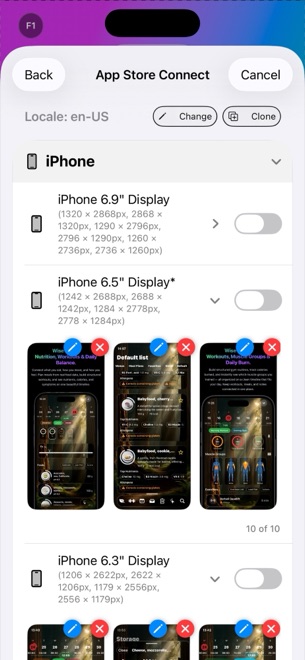
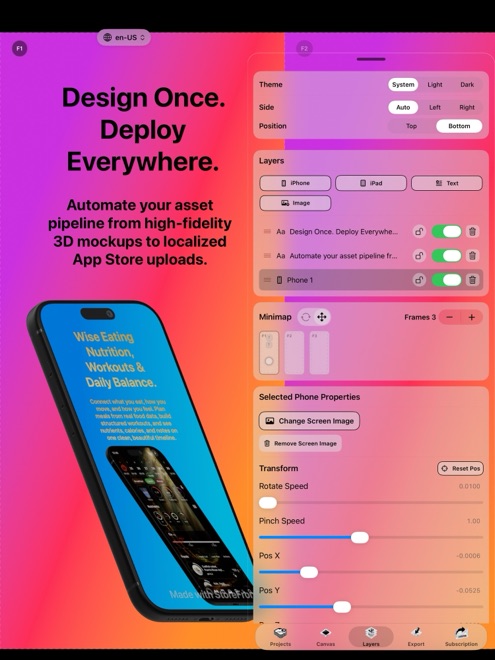
| StoreFront Studio | Native iOS/iPadOS/macOS RealityKit 3D canvas + inline gradient headlines + bulk ASC upload | Interactive RealityKit 3D iPhone & iPad models, studio light & materials | Direct bulk API push; .p8 key stays in local Apple Keychain | Free (with ads & watermark); Pro $3.99/mo, $39.99/yr or $49.99 lifetime |
| AppScreens / Screenshots Pro / Launchmatic | Browser templates covering both Apple App Store and Google Play Android slots | Preset 2D/3D web templates rendered in browser/cloud | Cloud API upload (requires uploading .p8 credentials to vendor) | Recurring web SaaS tiers (often $19–$79+/mo by locale/project quota) |
| AppLaunchpad / Previewed / Appure / Hotpot | Quick browser mockup templates and social/promo graphics | Static 2D frames or credit-metered browser 3D scenes | Manual ZIP download, then browser drag-and-drop into ASC | Freemium with monthly subscriptions or per-render credit packs |
| Rotato | Animated 3D promo videos and single-scene Mac mockups | Real-time 3D scene renderer on macOS | Exports PNG/MP4 files locally; manual upload to App Store Connect | Paid macOS license / subscription |
| Figma / Sketch / Pixelmator Pro / Photoshop | Unrestricted bespoke UI illustration, vector art and photo compositing | None built in (relies on flat PNG bezels or external 3D plugins) | Manual multi-artboard slice export + Safari upload (or custom scripts) | Free–$60+/mo design seats or standalone Mac purchase |
| Canva / Apple Keynote | Zero-learning-curve slide layouts using general presentation tools | Flat 2D frames or pasted Apple Marketing PNG bezels | Manual slide export; check exact pixel dimensions & PNG alpha rules | Keynote free on Apple devices; Canva Free / Pro subscription |
| Fastlane (frameit + deliver) | Git-tracked headless CI/CD automation for engineering teams | Flat 2D ImageMagick bezel compositing via Framefile.json | Automated CLI upload via local .p8 key once Ruby gem stack is wired | Open-source MIT (developer setup & maintenance time) |
| StoreMaven / SplitMetrics Acquire | Paid-traffic pre-store A/B testing sandboxes & enterprise ASO consulting | None (tests assets produced in external screenshot editors) | External test landing pages; you still upload winners to ASC | Enterprise contracts ($1,000+/mo plus ad spend) |
| Manual App Store Connect Safari Upload | Zero external tooling for a single-locale, single-device launch | None (uploads raw Simulator captures or pre-rendered files) | Manual drag-and-drop per locale and display slot in browser | Included with $99/yr Apple Developer Program |
Detailed Head-to-Head Comparisons
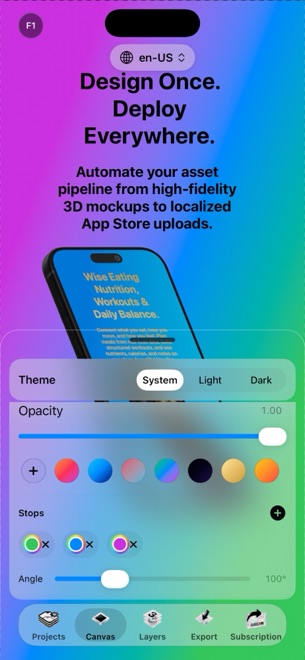 StoreFront Studio vs AppScreens: native 3D Apple studio and $49.99 lifetime vs web SaaSCompare StoreFront Studio and AppScreens across RealityKit 3D iPhone and iPad mockups, local Keychain API uploads, Android coverage and 3-year cost.
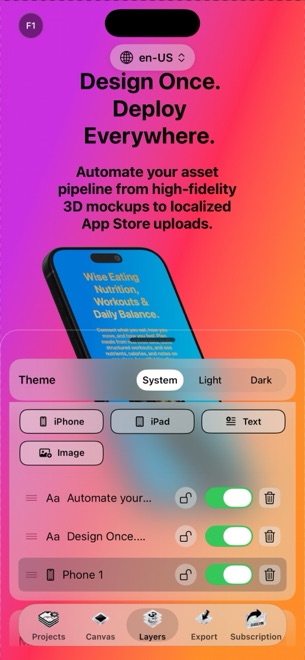 StoreFront Studio vs AppLaunchpad: RealityKit 3D & direct ASC upload vs browser mockupsCompare StoreFront Studio and AppLaunchpad on real 3D iPhone and iPad lighting, per-word gradient headlines, App Store Connect API upload and cost.
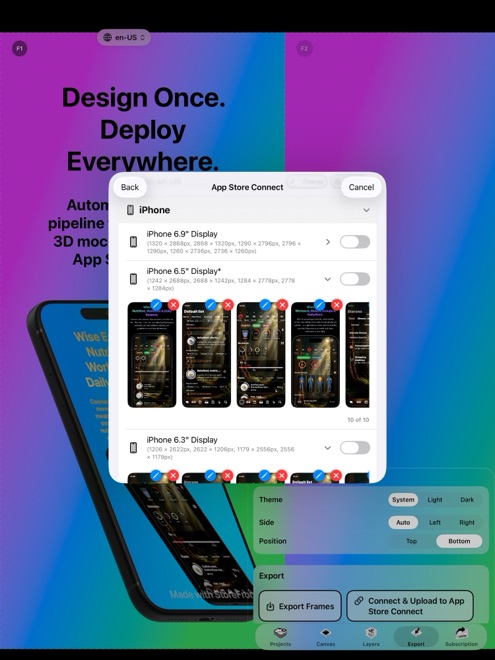 StoreFront Studio vs Screenshots Pro: native Apple 3D & Keychain API vs cloud generatorCompare StoreFront Studio vs Screenshots Pro for App Store screenshots: local RealityKit 3D models, Keychain .p8 security, AI localization and pricing.
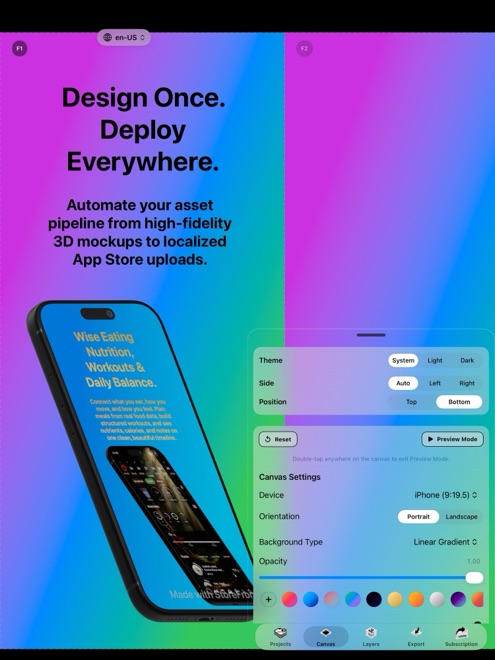 StoreFront Studio vs Figma App Store Templates: 3D stage & ASC push vs manual artboardsCompare StoreFront Studio vs Figma community screenshot templates across RealityKit 3D frames, multi-size scaling, localization and ASC API upload.
 StoreFront Studio vs Canva for App Store Screenshots: exact Apple specs, 3D & API pushCompare StoreFront Studio vs Canva for iOS and iPadOS App Store screenshots: exact pixel dimensions, RealityKit 3D bezels, PNG rules and ASC upload.
- StoreFront Studio vs Fastlane Frameit & Deliver: visual 3D studio vs Ruby CLI pipelinesCompare StoreFront Studio and Fastlane frameit + deliver across RealityKit 3D mockups, visual gradient typography, local .p8 API uploads and maintenance.
- StoreFront Studio vs Rotato: full multi-locale App Store sets & ASC upload vs Mac 3D mockupsCompare StoreFront Studio vs Rotato across RealityKit 3D iPhone and iPad mockups, multi-size App Store sets, localization, ASC API upload and pricing.
- StoreFront Studio vs Picasso App Screenshots: RealityKit 3D, iPad/iPhone support & pricingCompare StoreFront Studio vs Picasso for App Store screenshots across RealityKit 3D models, inline gradient headlines, Keychain ASC upload and pricing.
 StoreFront Studio vs Launchmatic: $3.99/mo or $49.99 lifetime vs cloud SaaS screenshot tiersCompare StoreFront Studio vs Launchmatic across native RealityKit 3D mockups, AI localization, local Keychain API uploads and multi-year pricing.
- StoreFront Studio vs MockUPhone & StudioMockup: complete App Store pipeline vs single wrappersCompare StoreFront Studio vs MockUPhone and single-bezel mockup wrappers: multi-slide headlines, RealityKit 3D, Apple pixel dimensions and ASC upload.
- StoreFront Studio vs Previewed.app: native RealityKit & direct ASC upload vs browser 3D creditsCompare StoreFront Studio vs Previewed.app across native Apple RealityKit 3D rendering, multi-size App Store sets, Keychain API uploads and pricing.
- StoreFront Studio vs Shots.so: App Store Connect multi-size sets vs social mockup shotsCompare StoreFront Studio vs Shots.so: exact 6.9-inch iPhone & 13-inch iPad App Store sets, localization and ASC API upload vs social media mockups.
- StoreFront Studio vs Photoshop & Illustrator for App Store Screenshots: speed, 3D & costCompare StoreFront Studio vs Adobe Photoshop and Illustrator for App Store screenshots: live RealityKit 3D vs smart-object PSDs, ASC upload and cost.
- StoreFront Studio vs Sketch & Pixelmator Pro: dedicated App Store pipeline vs general Mac editorsCompare StoreFront Studio vs Sketch and Pixelmator Pro on Mac and iPad: live RealityKit 3D iPhones and iPads, multi-size scaling and ASC API upload.
- StoreFront Studio vs Apple Keynote for App Store Screenshots: 3D, multi-size & ASC pushCompare StoreFront Studio vs Apple Keynote slide decks for App Store screenshots: RealityKit 3D models, exact pixel dimensions, iPad scaling and API upload.
- StoreFront Studio vs Official Apple Bezel PNGs: interactive 3D lighting vs flat static framesCompare StoreFront Studio RealityKit 3D device models against Apple Design Resources static PNG/PSD bezels across angles, lighting, sizing and ASC upload.
- StoreFront Studio vs Appure & Hotpot.ai: native Apple 3D & lifetime Pro vs web credit packsCompare StoreFront Studio vs Appure and Hotpot.ai screenshot generators: native RealityKit 3D, per-word gradients, direct ASC upload and transparent pricing.
- StoreFront Studio vs StoreMaven & SplitMetrics: indie 3D asset production vs enterprise A/B labsUnderstand StoreFront Studio vs StoreMaven and SplitMetrics: producing 3D App Store screenshots and PPO/CPP variants vs $1,000+/mo paid A/B sandboxes.
- StoreFront Studio vs App Radar & AppFollow: creating 3D visual assets vs keyword ASO dashboardsCompare StoreFront Studio with App Radar and AppFollow: designing RealityKit 3D screenshots and bulk-uploading visual sets vs keyword tracking and reviews.
- StoreFront Studio API Upload vs Manual App Store Connect Safari Drag-and-DropCompare one-click App Store Connect API bulk screenshot uploads in StoreFront Studio against manually dragging hundreds of localized PNGs into Safari.
- 3D Tilted App Store Screenshots vs Flat 2D Device Frames: legibility, depth and sequence strategyCompare angled 3D RealityKit App Store screenshots against flat 2D front-facing device frames across search scroll-stopping power and UI readability.
- Localizing App Store Screenshots Across 39 Locales vs English-Only Store ListingsCompare full multi-language App Store screenshot localization (up to 39 Apple locales) against Tier-1 regional rollouts and English-only listings.
- Apple 6.9-Inch iPhone & 13-Inch iPad Auto-Scaling vs Custom Legacy Screenshot SizesCompare Apple App Store Connect automatic screenshot scaling from 6.9-inch iPhone and 13-inch iPad base slots against custom 6.5-inch and legacy sets.
- Lifetime App Screenshot Tool ($49.99) vs Monthly ASO Screenshot Subscriptions: 3-Year Cost MathCompare 3-year indie developer costs between StoreFront Studio Pro ($49.99 lifetime or $3.99/mo) and $25–$79/month web screenshot SaaS subscriptions.
- Designing App Store Screenshots on iPad & iPhone vs Mac-Only Desktop WorkflowsCompare building and uploading 3D App Store screenshots across iPhone, iPad and Mac in StoreFront Studio against Mac-only or desktop-browser tools.
- Panoramic Split-Frame App Store Screenshots vs Standalone Single-Panel CardsCompare panoramic split-device App Store screenshots against standalone single-panel 3D cards across search thumbnails, PPO tests and localization.
- Dark Mode vs Light Mode App Store Screenshot Backgrounds: Contrast in Search ResultsCompare dark-mode, light-mode and vibrant gradient App Store screenshot backgrounds against iOS Light and Dark Appearance search results.
- App Store Connect .p8 API Key Security: Local Apple Keychain vs Cloud SaaS UploadersCompare keeping your App Store Connect .p8 private key inside your local Apple Keychain in StoreFront Studio against uploading live credentials to web SaaS.
- App Store Custom Product Pages (CPP) & PPO Variants vs Single Default ListingCompare tailored App Store Custom Product Pages (CPP) and Product Page Optimization (PPO) screenshot variants against a single default screenshot set.
- Raw Xcode Simulator Captures vs Captioned 3D App Store ScreenshotsCompare uploading raw unframed Xcode Simulator screenshots against captioned RealityKit 3D screenshots with gradient headlines in StoreFront Studio.