What it does

Features

The full list, each with what it is for.

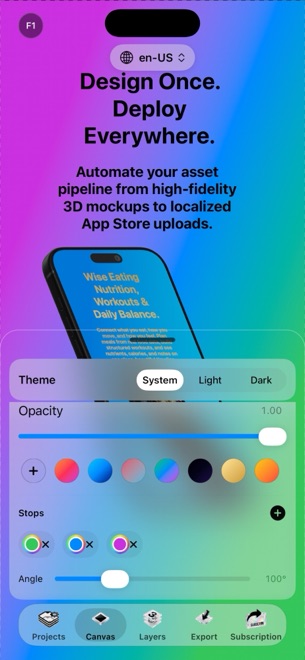
True 3D device mockups

True 3D device mockups

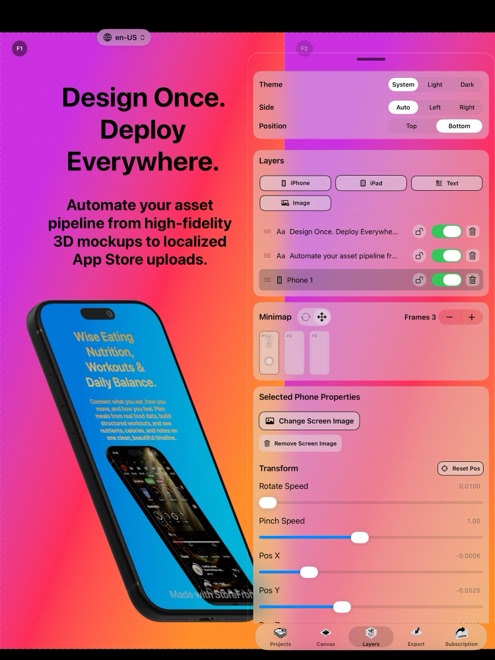
iPhone and iPad models rendered with RealityKit, not flat frames. Rotate, scale and position them in real space, switch physically accurate materials on and off, set the studio light and the depth of field. Every device generation has a frame that fits exactly.

  • RealityKit rendering with real materials
  • Rotation, scale and position in 3D
  • Studio lighting and depth of field
  • Exact frames for every device generation
A text engine built for headlines

A text engine built for headlines

Fonts, weights and alignment as on a desktop, plus styling inside a sentence: one word in a different colour, a gradient across another. Multi-colour linear and radial gradients for text and backgrounds, borders and corner radii on every layer.

  • Any font, weight and alignment
  • Colours and gradients within a single sentence
  • Linear and radial gradients on text and backgrounds
  • Borders and radii per layer
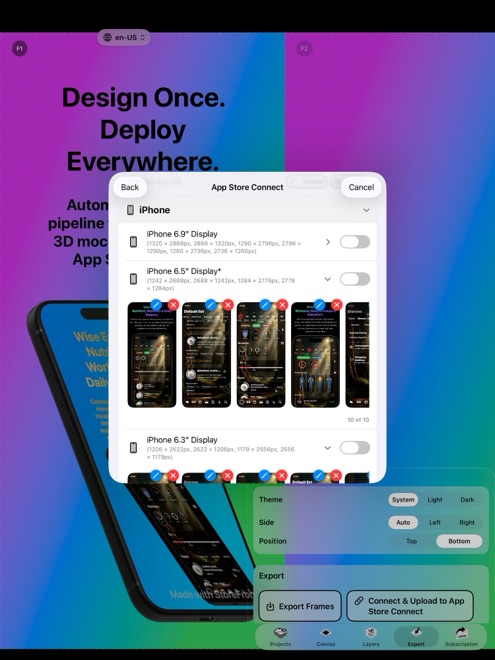
Upload to App Store Connect from the app

Upload to App Store Connect from the app

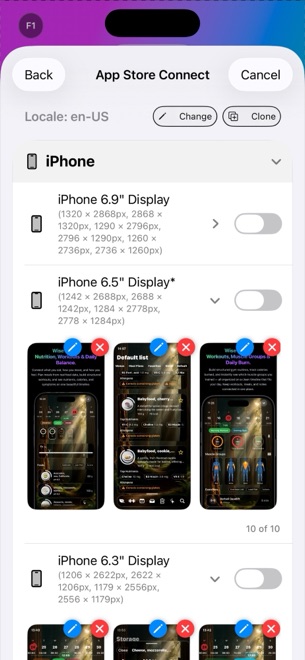
The step everyone dreads. StoreFront Studio pushes localised screenshots for every device size and every language to your App Store Connect account in one operation, using an official API key that stays in the device Keychain.

  • All device sizes and languages in one bulk upload
  • Official App Store Connect API
  • API key held in the local Keychain
An AI copywriter that knows the rules

An AI copywriter that knows the rules

Ask for a benefit-led headline or a line of body text and get one written for the App Store's marketing guidelines. Translate and adapt it for other storefronts without leaving the canvas.

  • Headlines and body text on request
  • Written to App Store marketing guidelines
  • Translation and adaptation per storefront
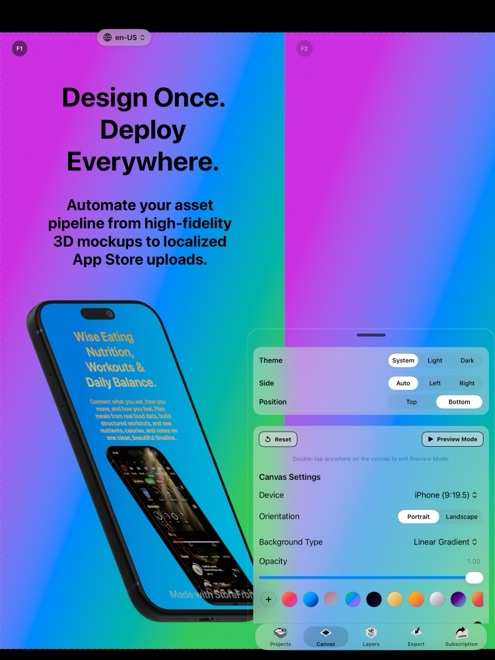
One canvas for every size

One canvas for every size

Design once and the layout follows to every required dimension — 6.9-inch, 6.5-inch, iPad 13-inch and the rest — so a set that used to take an afternoon is a review pass.

  • Every required App Store dimension
  • Layout follows from one design
  • Review instead of redraw
Free to design, Pro to ship clean

Free to design, Pro to ship clean

Everything in the editor is free. A free export plays a short rewarded ad first and carries a small watermark; the free app also shows an ad now and then. Pro removes the ads, the watermark and the ad before export. That is the whole difference.

  • The full editor is free
  • Free exports: a rewarded ad, then a watermark
  • Pro: no ads, no watermark, export at once