
iPhone 14 Plus / 11 Pro Max (6.5-inch) Landscape (2778×1284 px) — German & French 30% Headline Expansion Safe Box
Exact 2026 App Store Connect & Play Console dimension guide for iPhone 14 Plus / 11 Pro Max (6.5-inch) Landscape at 2778×1284 px (Legacy Fallback Landscape Slot) staged with German & French 30% Headline Expansion Safe Box in StoreFront Studio.
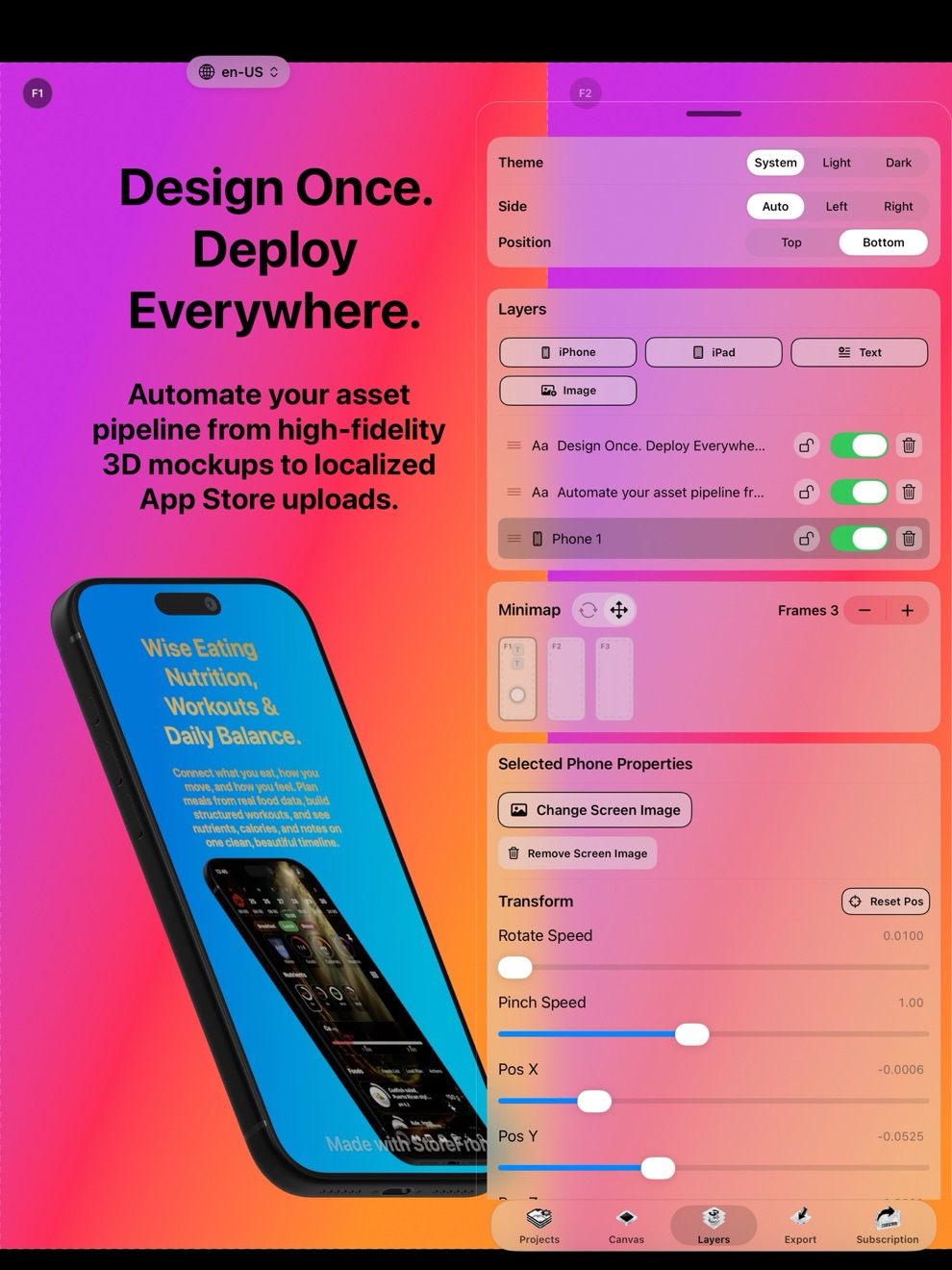
Uploading the wrong pixel dimensions, mismatched hardware bezels, or transparent alpha channels triggers immediate App Store Connect upload errors or Guideline 2.3 rejections. StoreFront Studio (id6757389314) renders iPhone 14 Plus / 11 Pro Max (6.5-inch) Landscape at exact 2778×1284 px resolution and pushes straight to App Store Connect via your Keychain API key.
1. Official Display & Frame Specification for iPhone 14 Plus / 11 Pro Max (6.5-inch) Landscape
| Technical Attribute | App Store / Play Console Rule | StoreFront Studio Automation |
|---|---|---|
| Exact Pixel Dimensions | 2778×1284 px | Locked output canvas guarantees zero 1-pixel rounding rejections. |
| Storefront Slot Role | Legacy Fallback Landscape Slot | Automatically maps to the correct App Store Connect display type during API upload. |
| 3D / 2D Frame Preset | German & French 30% Headline Expansion Safe Box | Real-time RealityKit 3D geometry with studio lighting and adjustable yaw/pitch/roll. |
| Color Space & Transparency | sRGB / Display P3, 100% opaque RGB PNG/JPEG | Exports flattened, alpha-free PNGs that pass App Store Connect validation every time. |
2. How to Generate & Upload iPhone 14 Plus / 11 Pro Max (6.5-inch) Landscape Screenshots in 3 Minutes
| Workflow Step | What You Do in StoreFront Studio |
|---|---|
| 1. Drop Simulator Capture | Import your raw screen capture on iPhone, iPad, or Mac into the iPhone 14 Plus / 11 Pro Max (6.5-inch) Landscape canvas. |
| 2. Apply German & French 30% Headline Expansion Safe Box | Position the 3D device model, customize studio shadows, and add your per-word gradient headline. |
| 3. Sync Sizes & Localize | Auto-adapt your layout across 6.9" iPhone, 6.5" iPhone, and 13" iPad slots and translate into 39 locales. |
| 4. One-Click API Upload | Push the entire multi-size, multi-locale set directly to App Store Connect using your local Keychain .p8 key. |
Related Device Frame & Resolution Specifications
Frequently Asked Questions
The required screenshot resolution for iPhone 14 Plus / 11 Pro Max (6.5-inch) Landscape is 2778×1284 px (Legacy Fallback Landscape Slot), exported as a flattened RGB PNG or JPEG without alpha transparency.
Yes. StoreFront Studio stores your official App Store Connect .p8 API key locally in Apple Keychain and bulk-uploads all 2778×1284 px screenshots across up to 39 locales in one click.